
Visioix Pro has three planning screens. Action Plan turns findings into tasks you can schedule and measure. SWOT Analysis gives a strategic view of the same evidence. Advanced AI learns from the measured outcomes of completed tasks. None of them changes your website, runs an automation or contacts visitors on its own.
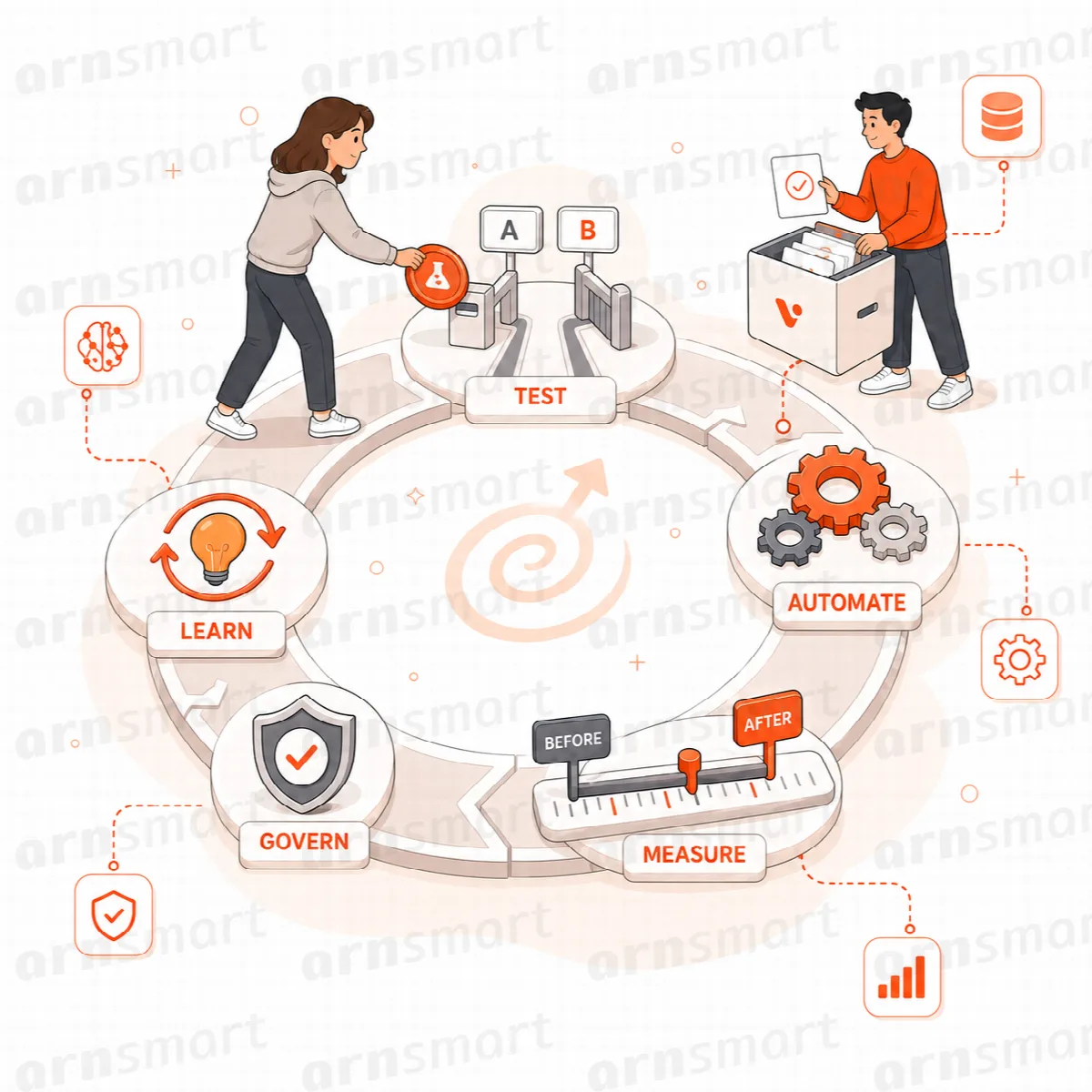
Action Plan
Where to find it: ARN Visioix → Action Plan (the page title is Unified AI Action Plan).
Action Plan collects task candidates from verified website, visitor, cross-source, experiment and forecast findings, and from the findings you add in Growth Intelligence or SWOT Analysis. If no finding is strong enough for the period, the screen says so instead of inventing tasks.
The tabs follow a task's life: Overview, Candidates, This Week, This Month, Next Month, Backlog, Awaiting Measurement and Outcomes & History.
Plan a task
Each task shows its purpose, target scope, Impact · Effort · Risk, target KPI and source insight. In the Task workspace, set:
| Field | What to enter |
|---|---|
| Plan window | This week, This month, Next month or Backlog |
| Sequence, Owner | The order and the person responsible |
| Status | Planned, In progress, Blocked, Completed or Cancelled |
| Start date, Review date | When work starts and when to review it |
| Dependencies | Tasks that must be finished first |
| Automation connection, Integration connection | An existing automation or integration this task relates to |
| Outcome tracking | Whether the result is measured |
| Report connection | Include in Action Plan reports |
| Execution note | Your notes |
Click Save task plan. Every change is recorded in the Execution History.
Execution safety
- Connections only reference existing Automation and Integration records. Saving a task never runs or delivers them.
- Execution History is append-only and contains task information, not personal visitor data.
- A completed task enters outcome measurement. It is never marked successful without measured evidence.
For tasks created from Growth Intelligence, record later periods with Record this later period; see Review verified findings in Growth Intelligence.
SWOT Analysis
Where to find it: ARN Visioix → SWOT Analysis.
SWOT Analysis sorts evidence-qualified findings into strengths, weaknesses, opportunities and threats. Each item shows its evidence.
| Section | What it shows |
|---|---|
| SWOT History Comparison | Strategic change against an earlier snapshot of the same period length; a second snapshot is needed first |
| Cross-source Relationships | Links between items that share an evidence key or metric; they show association, not causation |
| Forecast-supported SWOT Outlook | Forward signals from forecasts, which remain forecasts |
| Evidence-qualified Strategy Matrix | SO, WO, ST and WT strategies built from two compatible items |
| Executive SWOT Report | A short summary for prioritisation; Export Executive CSV downloads it |
Click Add to Action Plan on a strategy to create an Action Plan candidate. It does not run an automation or change your site.
Advanced AI: learning and calibration
Where to find it: ARN Visioix → Advanced AI.
Learning & Calibration learns from the measured outcomes of completed Action Plan tasks: the evidence sample, an outcome score, priority calibration and calibration confidence.
- Only measured outcome events influence calibration. AI text and tasks completed without measurement do not.
- Low samples stay in a learning state and cannot raise or lower priorities.
- Calibration supports decisions. It never changes the site, runs an automation or contacts visitors, and it reads no personal visitor fields.
The screen stays empty until you complete and measure Action Plan tasks.