
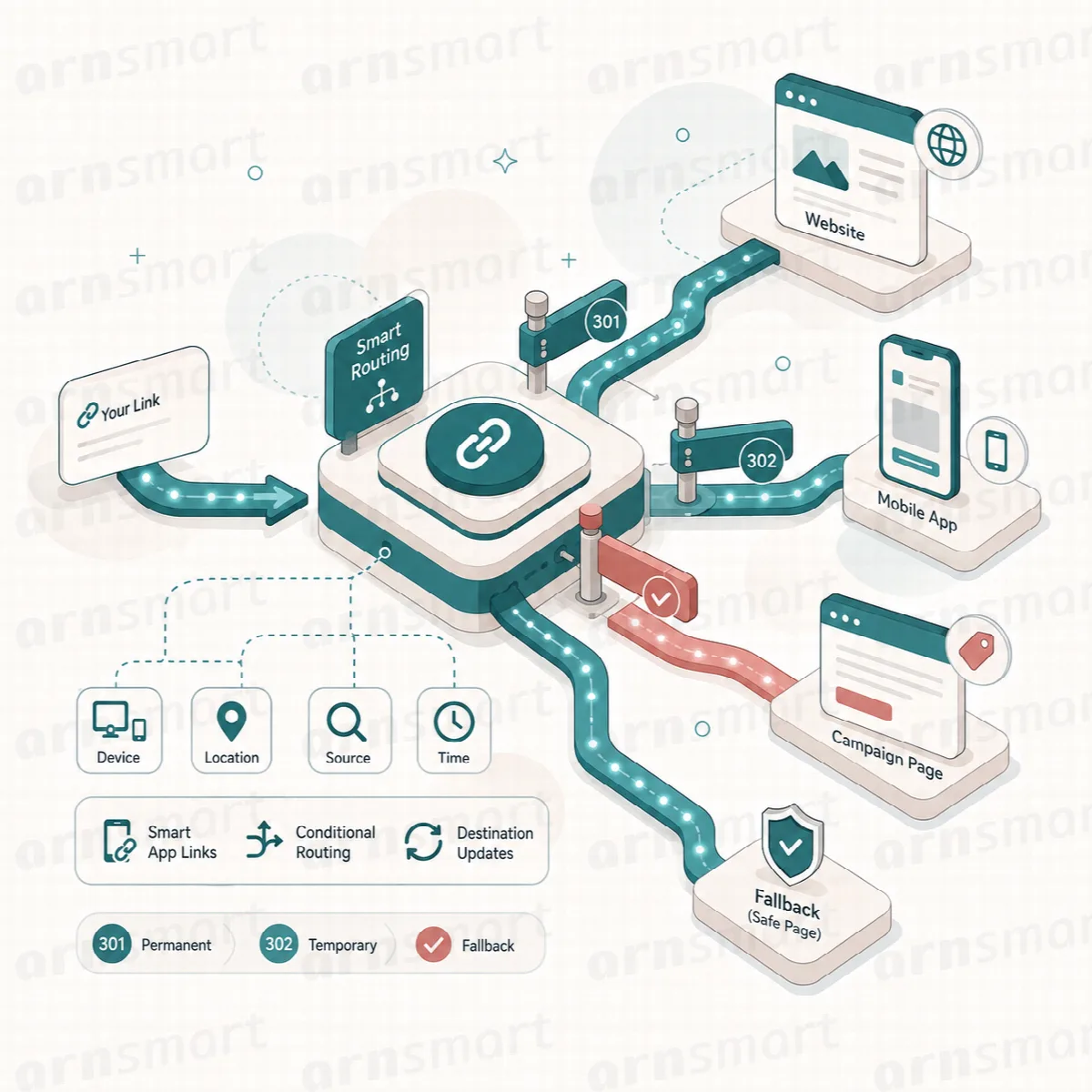
A Smart App Link tries to open an app on the visitor's phone, such as WhatsApp or Instagram, and falls back to the web version when the app is not available. You choose a preset and enter only the minimum details; Linkix builds the app and web targets for you.
Where to find it: ARN Linkix → Smart App Links (Smart Apps in the Linkix top navigation).
Presets
| Presets | What you enter |
|---|---|
| Instagram, TikTok, X, Snapchat | A username, without @ |
| Telegram | A username or channel handle |
| A username or page slug, or the full URL | |
| A profile slug or URL | |
| YouTube | A handle or URL |
A phone number in international format (for example 905551112233) and an optional message | |
| Phone | A phone number |
| Messenger, Spotify | The full Messenger or Spotify URL |
| Google Maps | A place name, an address or a Google Maps URL |
| An email address and an optional subject | |
| Custom | Your own Web URL, iOS app URL, Android app URL and Desktop URL |
When you choose a preset, the form shows only the fields that preset needs, with a short hint below.
Create a Smart App Link
- Open Smart App Links.
- Choose a Preset.
- Enter a Title, for example
Instagram · arnsmart. - Fill in the fields the preset asks for. For Instagram, enter only the username, not the full profile URL.
- Leave Slug empty or enter your own ending. Linkix generates the slug, and it always starts with
lnkx_. - Choose the Icon color mode: Brand, White, Black or Custom (enter a Custom color such as
#5f8f95). - Click Save Smart App Link.
The link appears in the Library on the right.
Use a Smart App Link
Each item in the Library shows:
- Smart Link: the public address, under
/app/on your domain, for exampleexample.com/app/lnkx_instagram_arnsmart/. Click Copy to copy it. - Target: the destination Linkix built from your details.
- Clicks: how often the link was opened.
- Shortcode: for example
[linkix_smart_app slug="lnkx_instagram_arnsmart"]. Paste it into a post or page to show the link with its app icon. Addlabel="Message us"to use your own link text instead of the title. - QR PNG and QR SVG: download the link's QR code. The button of the Default QR format set in Settings → QR & branding comes first.
- Edit, Open and Delete.
On a site whose WordPress permalink structure is Plain, the public address uses a query instead of /app/, for example example.com/?linkix_smart_app_slug=lnkx_instagram_arnsmart.
Clicks and sources
Every open is counted in Clicks and recorded in Analytics. In the Analytics Recent activity table, the Target column shows the slug and the source, for example lnkx_instagram_arnsmart|qr. Linkix takes the source from ?src= at the end of the address, or otherwise from the site the visitor came from. The QR code of a Smart App Link adds ?src=qr.
The sources are qr, instagram, facebook, tiktok, google and direct. Any other ?src= value is counted as other.
What visitors see
- When the target is a normal web address, Linkix sends the visitor straight to it.
- When the target is an app address, the visitor sees a short "Opening app…" page. Linkix tries to open the app; if it does not open, the web fallback opens automatically after about two seconds. The page also has a Continue with the fallback page link.
Whether the app opens depends on the visitor's device, browser and whether the app is installed. Test each link on a phone with the app, on a phone without it and on a desktop.
Smart App Links or device redirects?
| Use | When |
|---|---|
| Smart App Link | You want to open a known app (WhatsApp, Instagram, Maps and others) with the minimum details, and get a shortcode with an icon |
| Device redirect | You want one path of your own to send iOS, Android, other phones and desktops to different web pages or store pages. See Device, scheduled and rotating redirects (Pro). |