
WebPix is a WordPress plugin by ARN Smart. It creates WebP and AVIF copies of the images in your media library and serves those lighter copies to visitors. Your original images stay in place, so WordPress can always fall back to them.
WebPix Pro adds a wider media toolkit on top of conversion: media folders, Media AI, file renaming and replacement, watermarks, cloud storage, CDN tools, delivery checks and diagnostics.
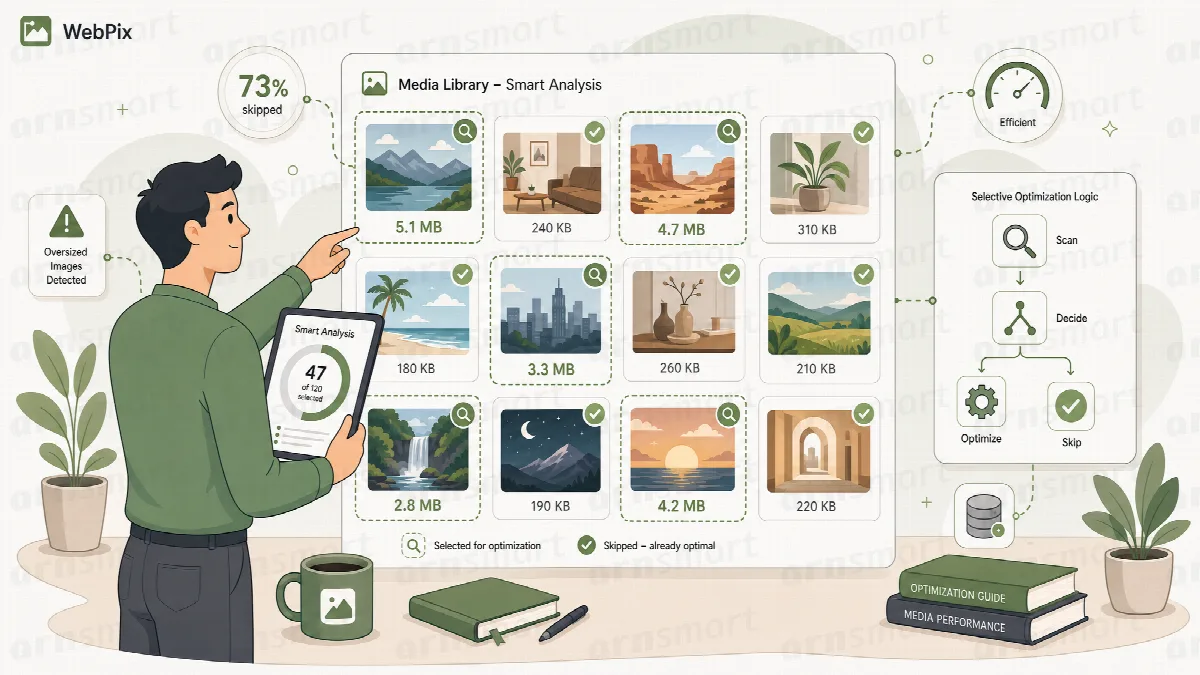
How WebPix works
- Scan. WebPix checks your media library and the image sizes WordPress generated for each upload.
- Convert. It creates WebP and/or AVIF copies in the background: new uploads right after you upload them, existing images through a library job that you can pause, resume or cancel.
- Deliver. When a page is displayed, WebPix points the images on the page to their copies. A copy that is larger than its original is never served.
- Review. You follow progress, check the results and fix anything that needs attention.
Copies are stored separately from your originals (in uploads/arn-nextgen/ for WebPix Pro and in uploads/arn-image-optimizer/ for WebPix Free).
The two editions
WebPix Free is published on WordPress.org as ARN Smart Image Optimizer. It converts JPG and PNG images on your own server and needs no account and no external service.
WebPix Pro is the plugin ARN Smart WebPix, available from arnsmart.com. It needs a licence, which you activate once per site (or once per multisite network).
Both editions appear as ARN WebPix in the WordPress admin menu.
| Capability | WebPix Free | WebPix Pro |
|---|---|---|
| Output formats | WebP or AVIF, one at a time | WebP, AVIF or both |
| Source files | JPG and PNG | JPG and PNG; optional GIF, BMP and TIFF; PDF previews; WebM video copies |
| Quality | Adjustable WebP quality; AVIF at a fixed standard quality | Presets (Smallest, Balanced, High) or custom WebP and AVIF values |
| Conversion | Background conversion of uploads; bulk job with pause, resume and cancel | The same, plus speed profiles, background worker, smart worker, advanced limits and WP-CLI |
| Delivery | Image URLs replaced on the whole page | Image URLs replaced, or <picture> with the original as fallback; page speed controls |
| Media Library | Status column, two bulk actions and the copies in the image details | The same, plus AI suggestions and file replacement in the image details |
| Media folders | Basic folders, one folder per item | Colors, several folders per item, per-user folders |
| Media AI, rename, replace, watermarks | Not included | Included |
| Cloud storage, CDN purge, delivery health | Not included | Included |
| Resize and compress originals | Not included | Optional, with backup and restore |
| Storage clean-up | Finds copies whose original no longer exists | The same, plus unused image sizes and missing size rebuild |
| Import from other optimizers | Not included | Included |
| Diagnostics | Dashboard maintenance tools | Health checks, log, debug mode, support file, file verification |
| Account or licence | None | Licence with an ARNA activation code |
Neither edition limits the number of conversions. What you can process depends on your server: its image encoders, CPU, memory and disk space.
Note: If WebPix Free and WebPix Pro are installed on the same site, WebPix Free pauses itself while WebPix Pro is active and licensed. Free keeps its settings, copies and folders, and continues when Pro is no longer active. See FAQ about editions, licences, removal and support.
About this documentation
This documentation describes WebPix Pro 3.0.2 and WebPix Free 2.0. Where a WebPix Pro 3.0.x release changed the behaviour of an earlier version, the article names the version. Features that only WebPix Pro offers are marked "(Pro)".