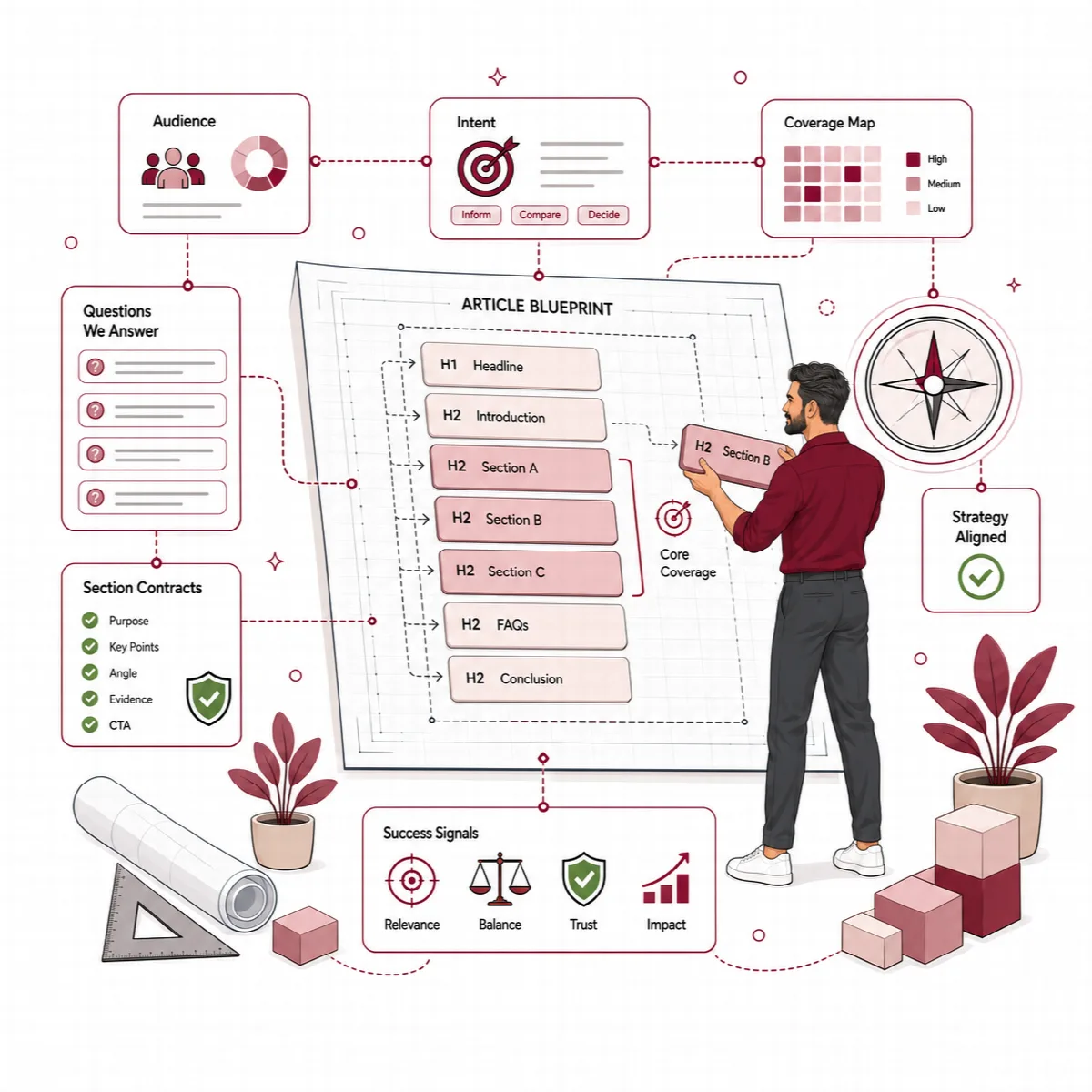
Before Contix Pro writes a sentence, it turns the research into a strategy: what the article must contain, whether it should be written at all, which claims need sources and how the article is structured. These stages run between Research and Section Contracts, and each one is a checkpoint you can review.
Where to find it: in Guided Workflow, Review Current Checkpoint opens the matching review screen. You can also open a topic's Research Workspace from Overview → Topics.
Content Blueprint
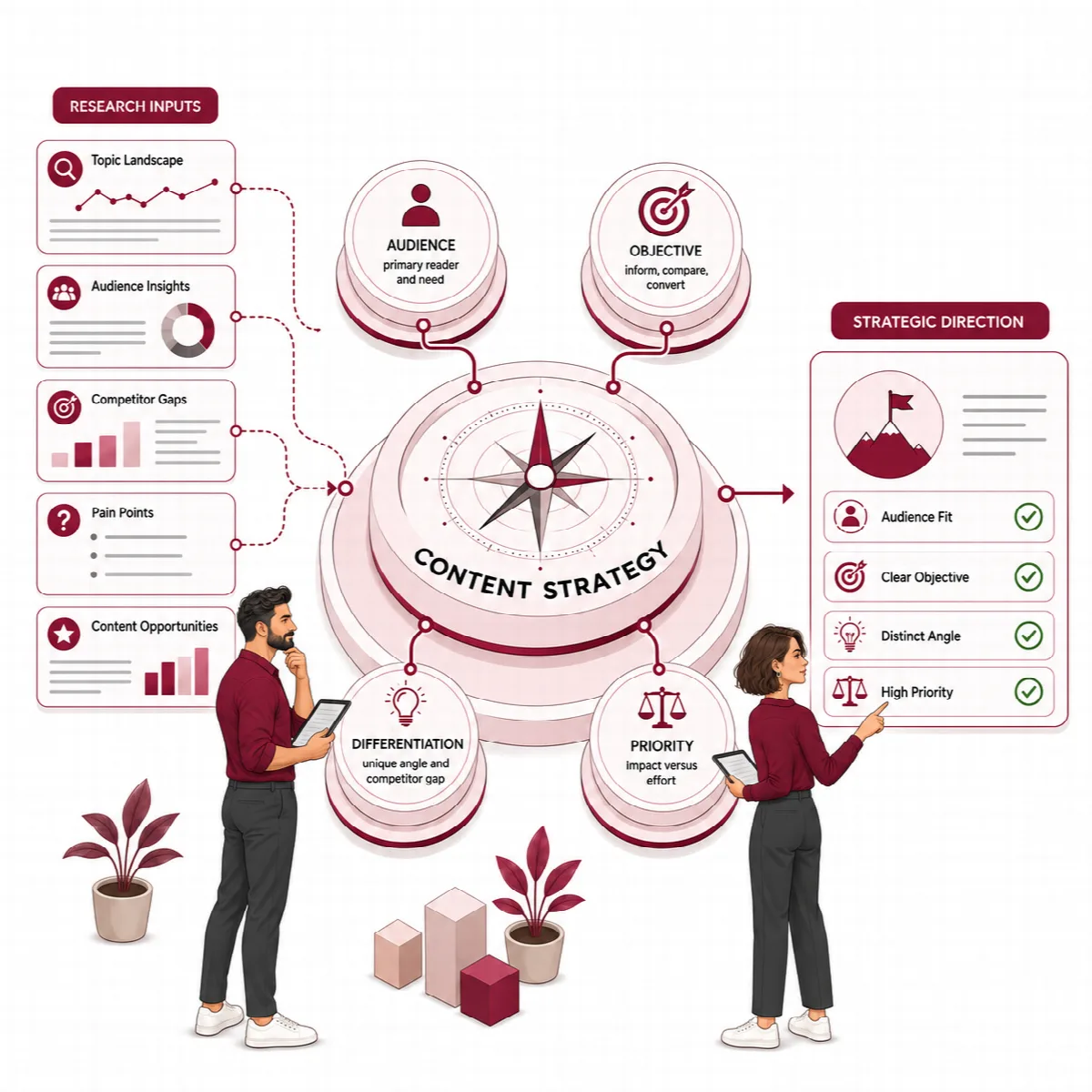
The Content Blueprint converts research into what should be created and why. It reads the topic request, the Language Pack and the research brief, and states:
- the content goal and the sections the article cannot do without,
- the search intent that stays the reference for every later decision,
- the GEO and passage requirements, such as self-contained answers to the audience's questions, together with schema signals.
Use Regenerate Blueprint when the research changed.
Search & Evidence Intelligence
This stage compares the topic with your site's existing content and with the topic's risk before strategy is set.
Approve the content action
Contix proposes one content action, with the reason and the affected pages:
| Content action | When Contix proposes it |
|---|---|
| Create New | No strong conflict with an existing page was found |
| Create Supporting Article | Related content exists, but the topic can serve a distinct supporting role |
| Expand Existing | A related page exists and should gain the missing coverage instead of a competing address |
| Refresh Existing | An existing page is a strong match for the same query and intent |
| Merge Content | Several existing pages appear to answer the same search need |
| Do Not Create | An existing page already appears to satisfy the same query and intent |
Under Production Gate, confirm the proposed action or choose another one, then click Approve Content Action. A reason is required when you override the recommendation. Strategy and writing continue only after the action is approved.
- In Automatic runs, Contix approves the proposed action on its own, except Do Not Create and Merge Content: then the run stops for your review.
- In Guided runs, Approve & Continue approves the proposed action, except Do Not Create and Merge Content, which need your decision.
Cannibalization, risk and evidence policy
- Cannibalization screen: existing pages that already answer the same query are listed as conflicts with a low, medium or high risk.
- Risk / YMYL: health, legal, financial, safety and similar topics raise the risk level and require stricter controls.
- Authority requirements and Information Gain: what the article needs to be credible and what it must add beyond existing content.
- Evidence Policy: the minimum source level and how unsupported claims are handled.
| Risk level | Unsupported claim | Minimum source | Human review |
|---|---|---|---|
| Low | Qualify or review | Reputable source | Not required |
| High or critical | Blocked | Primary or official source | Required |
Contix does not collect search volume, keyword difficulty or CPC. Search results come from your search data provider, and clicks, impressions and positions come from Performance.
Claim Ledger
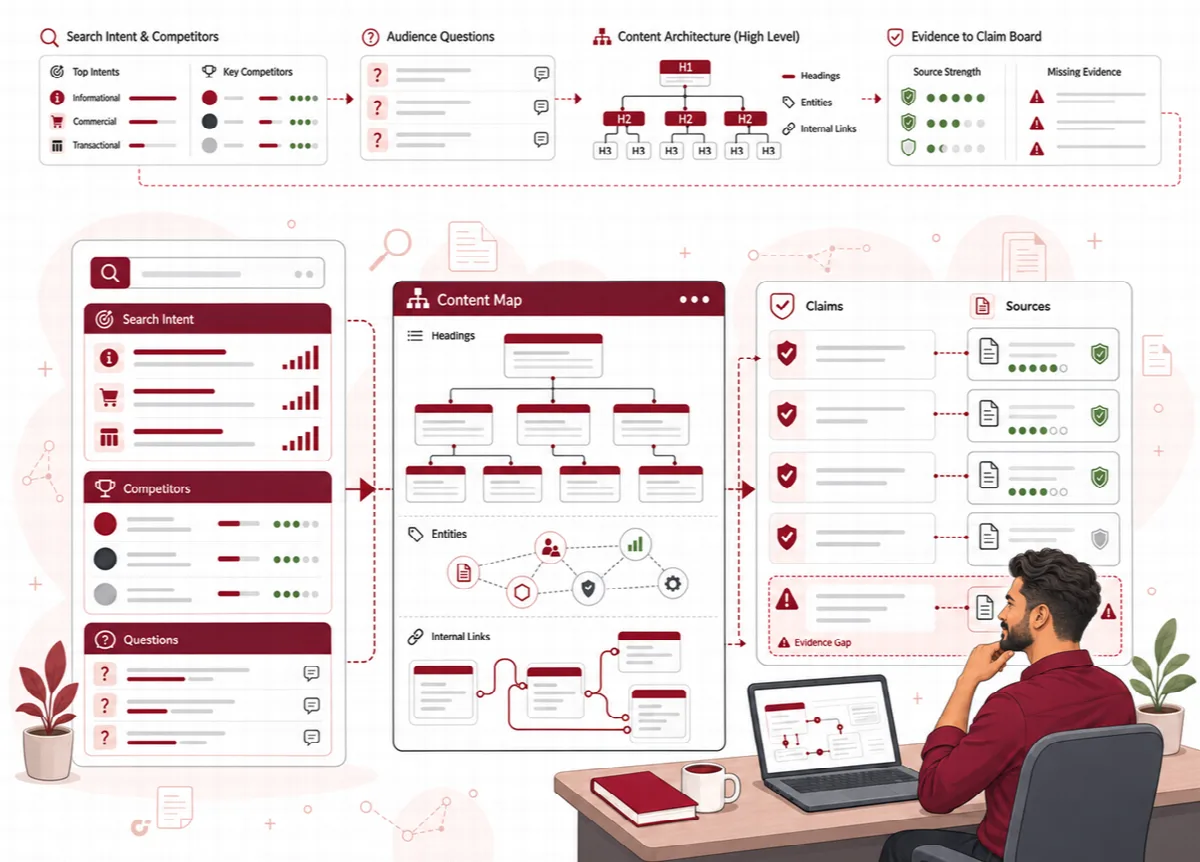
The Claim Ledger lists the factual claims the article is likely to make, up to thirty entries. It starts from the claims the research brief marked for verification and the leading FAQ candidates. Each entry records whether a citation is required or recommended, the preferred source type, its verification status and whether human review is required.
- Statistics, scientific, medical, legal, financial, performance, compliance and time-sensitive statements always need a citation.
- To verify a claim, enter the Verified source URL, choose the source type (Official / Primary, Original Research or Reputable Secondary) and click Verify Claim.
| Ledger entry | What it shows | Action it suggests |
|---|---|---|
| Citation Required | A claim that needs direct support | Add a primary or official source, or remove the claim |
| Citation Recommended | A claim that needs support if it is specific | Qualify the wording or add a reputable source |
Later, analysis and optimization report claim and source problems as Claim Ledger or source actions instead of rewriting text blindly. The ledger records what needs support; it does not judge whether a source is correct.
Strategy Contract
The Strategy Contract fixes the direction of the article before its structure is built, so reviewers can see why the article is built the way it is. Click Generate Strategy Contract to create it. It records:
- the content model, the primary angle, the unique position and the target outcome,
- the primary and secondary messages, the reader outcome and the call-to-action direction, following the project's CTA style,
- the required evidence, E-E-A-T signals, supporting topics, content boundaries and success criteria, with the strategic decisions and top priorities behind them.
Open the Strategy Contract before you review a draft, and compare its angle and boundaries with the draft's actual focus. When the strategy changes, generate the contract again and let the later stages run again.
Content Architecture
Contix Pro builds the Content Architecture from the Strategy Contract: the outline, a section map, entity placement, GEO blocks, an authority map, a schema plan and an internal link map. GEO blocks are short, direct passages where the article answers a specific audience question.
| Planning element | Input it uses | Output it produces |
|---|---|---|
| Outline and section map | Strategy Contract and audience questions | Ordered H2 and H3 sections |
| Entity placement | Entity intelligence | Entities assigned to sections |
| GEO blocks | GEO and AIO questions | Positions for direct answers |
| Writing Blueprint | All of the above | Length, coverage and section instructions |
The Writing Blueprint sets the minimum, recommended and maximum length, a coverage target, instructions for every section and an entity usage plan. Add your own instructions next to the section instructions and click Save Notes.
Regenerate Architecture refreshes the section map, GEO blocks and Writing Blueprint, and marks the Section Contracts and every later stage as outdated.