
A standalone installation runs Mailix on one domain or subdomain, such as webmail.example.com. Users sign in on Mailix's own sign-in screen with their full email address and password. It works with any IMAP and SMTP server, with or without cPanel.
Before you start
- Check the server requirements. HTTPS is required for secure cookies and for installing Mailix as an app.
- Have the Mailix installation package (
mailix-install-<version>.zip) from ARN Smart. - Know the IMAP and SMTP details of your mail server: host names, ports and encryption.
Install Mailix
- Upload the contents of the ZIP file to the document root of the domain or subdomain.
- Copy
config/config.sample.phptoconfig/config.php. - In
config/config.php, set the mail servers underimapandsmtpif they are not onlocalhoston the same server. See Configure Mailix. - Set
storage_dirto a folder outside the web root, for example/home/<user>/mailix-storage, and make sure PHP can write to it. - Open the address in a browser and sign in with a full email address and its password.
Note: The default storage folder (
storage/inside the application) also works, but then only the.htaccessfile keeps it off the web, and web servers other than Apache ignore that file. A folder outside the web root is safer.
Protect the internal folders
On Apache, the included .htaccess blocks web access to src/, bin/, config/, storage/, tests/, tools/ and cpanel/. On other web servers, block these paths in the server configuration.
Without cPanel
If the mail server is not managed by cPanel, set 'cpanel_api' => ['enabled' => false] in config/config.php. Server filters and automatic replies then are not available. If the server has no CardDAV address book, turn carddav off too; contacts are then kept in Mailix's own storage.
What a standalone installation adds
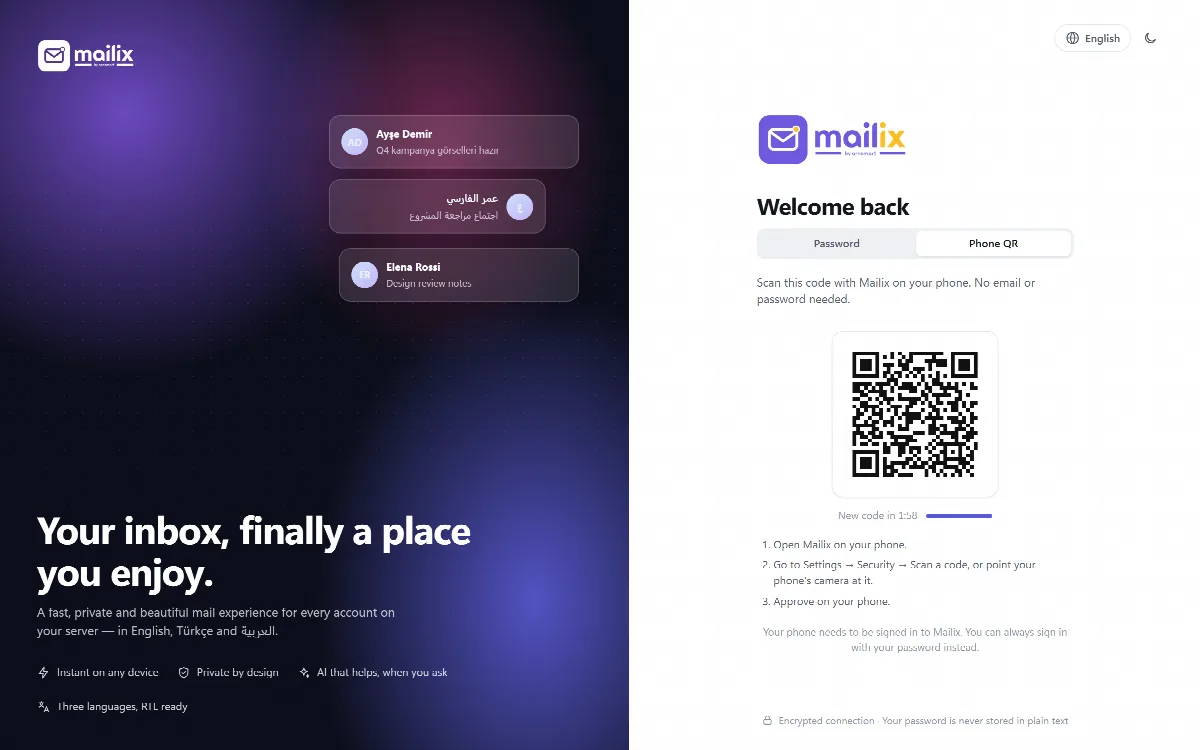
- QR sign-in: a new phone or computer can sign in with a QR code that a signed-in device approves. See Signed-in devices and QR sign-in.
- Offline start screen and app shortcuts for the installed app.
- Resumable archive downloads: an interrupted archive download continues where it stopped.
- An optional server-wide AI key as a fallback when a company has not connected its own AI account. See Connect the company AI account.
The weekly automatic reply and AI automatic replies need the server-wide installation on cPanel Webmail and are not available here.